
Local AI Setup
364,000 people have starred OpenClaw on GitHub. Most of them never got it working.
BYO Device
$2,500
Hardware Included
$4,500
What OpenClaw actually does
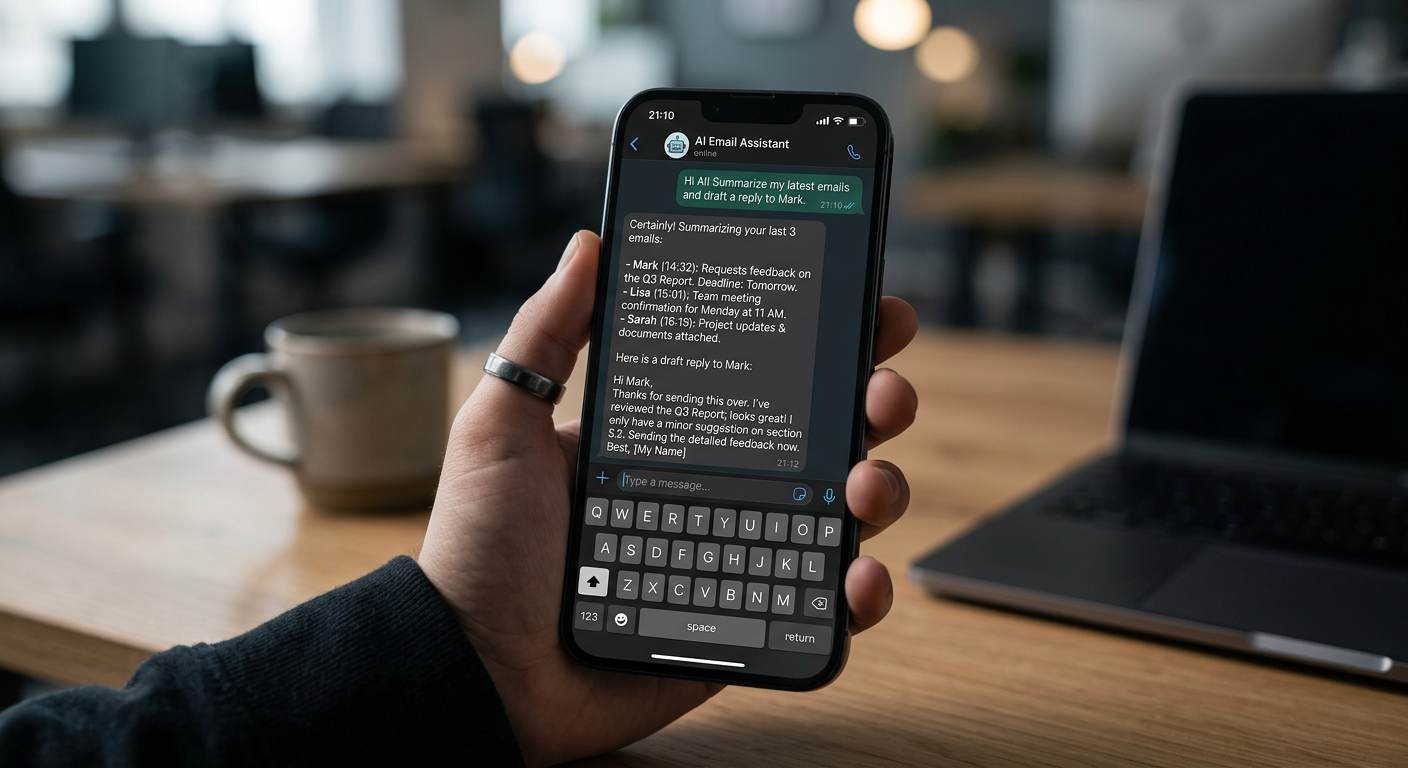
OpenClaw isn’t a chatbot. It’s an AI agent that runs continuously on your hardware and takes real actions — it reads your emails, updates your CRM, browses the web, runs scripts, and sends messages. You interact with it through apps you already have open: WhatsApp, Telegram, Slack, Discord.
The hype is real. 364,000 GitHub stars, growing faster than React ever did. The frustration is also real.
Why most people get nothing out of it
Getting OpenClaw installed isn’t the hard part. The hard part is the gap between “it’s running” and “it’s actually doing something useful for my business.”
Out of the box, OpenClaw doesn’t know who you are, what you do, how you work, or what tools you use. It needs to be connected to your email, your CRM, your calendar — and configured with enough context about your business that it can act on your behalf rather than just spin in circles.
The other problem is silent failures. OpenClaw will mark a task as complete if the last action didn’t return an error — even if the task didn’t actually succeed. Without proper setup and testing against your real workflows, you end up with an agent that appears to be working while doing nothing useful.
Choose your setup

OpenClaw
An open-source AI agent installed and configured on your hardware. We connect it to your tools and configure it for your specific workflows.

Claude Cowork
Anthropic’s Claude configured as a dedicated AI coworker for your business, connected to the tools you already use.
Both options are the same price. We’ll recommend which fits on the discovery call.
What we do differently
We’ve done this setup repeatedly. We know where it breaks, we know what “working” actually means versus “appearing to work,” and we know how to configure it securely — because OpenClaw with access to your email and files needs to be locked down properly, not just running with default settings.
What you get at the end:
- OpenClaw running on your hardware, connected to your actual tools
- Tested against your real workflows, not demo tasks
- Security configuration that doesn’t leave credentials exposed
- A handover that explains what it can do and what it can’t
What’s included
- Setup and configuration on your hardware
- Integration with 2–3 existing tools (email, CRM, calendar, or similar)
- Custom configuration tuned to your business and workflows
- Handover session and written documentation
- 30 days of email support
Frequently asked questions
Which should I choose — OpenClaw or Claude Cowork? We’ll advise on the call based on your actual use case. Book a 30-minute call and we’ll give you a straight answer.
Do I need to buy new hardware? Not necessarily. If your existing device meets the requirements (we’ll check on the call), BYO is $2,500. Hardware included is $4,500 all-in.
What tools can it connect to? Most things with an API or standard file format: email, Google Workspace, Microsoft 365, CRMs (HubSpot, Pipedrive, Salesforce), calendars, and local file systems.
Ready to stop doing it manually?
30 minutes. No pitch. We'll map your biggest time bottlenecks and show you what's possible.
Book a Free Strategy Call